2 players on one screenAndroid TV, Google TV & tablets5 brick typesEndless strategyFree to playYour own pingrounds
2 players on one screenAndroid TV, Google TV & tablets5 brick typesEndless strategyFree to playYour own pingrounds
2 players on one screenAndroid TV, Google TV & tablets5 brick typesEndless strategyFree to playYour own pingrounds
2 players on one screenAndroid TV, Google TV & tablets5 brick typesEndless strategyFree to playYour own pingrounds
How it works
Simple rules. Deep rivalry
01
Control your paddle
Each player controls a paddle on their side of the screen — with a remote, a gamepad or a finger on a tablet.
02
Smash & score
Bounce the ball into the shared arena in the centre. Score a point for every breakable brick you smash — or by sending the ball past your opponent's paddle.
03
Win & unlock achievements
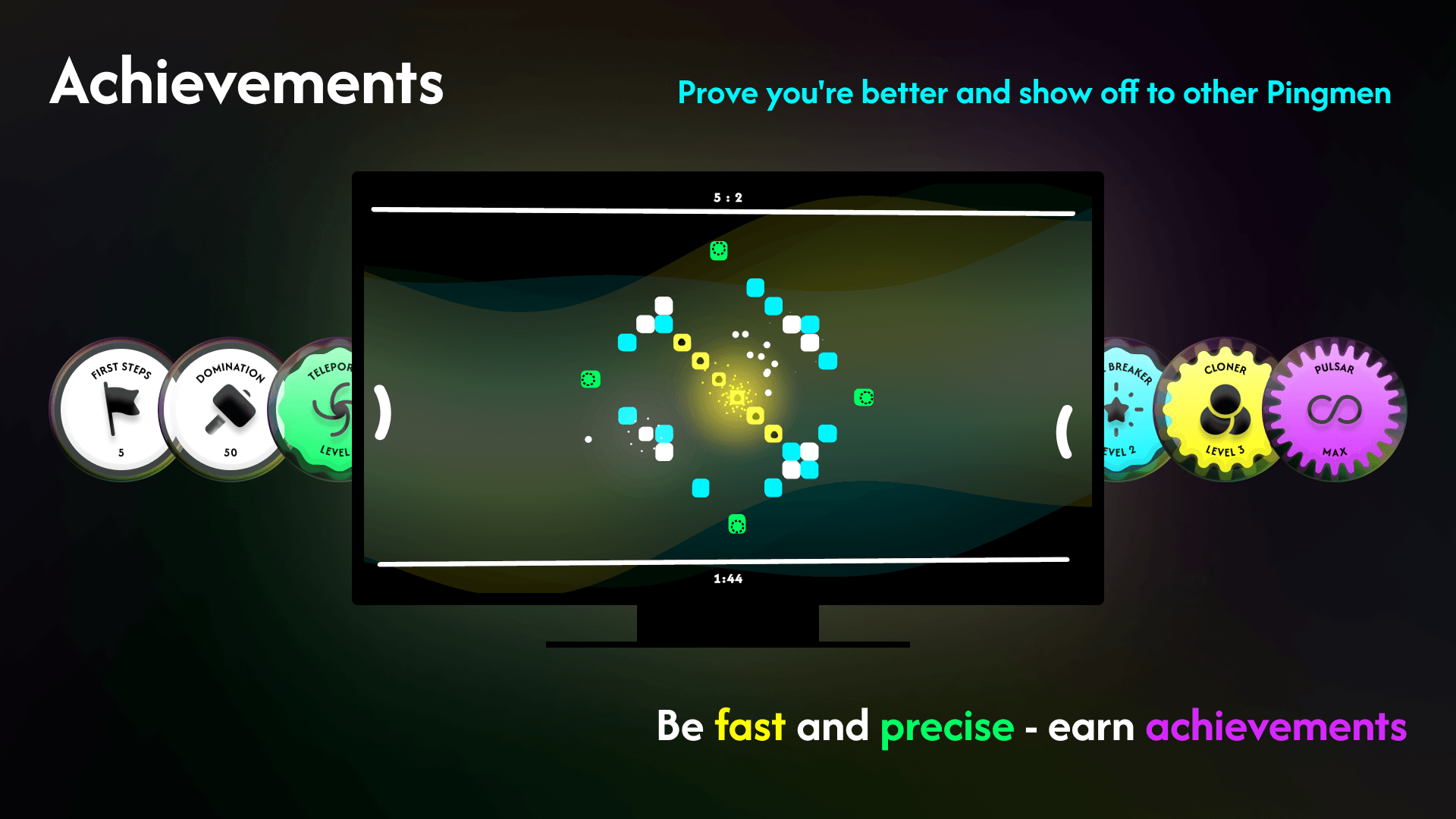
Every match is on the clock. Whoever has more points at the end wins. Along the way you collect achievements — one-off and tiered ones that level up.
Modifiers & hazards
Not all bricks are equal
Breakable
Standard brick. One hit to destroy, earns you a point.
Solid
Bounces the ball back. Can't be broken — use it as a wall.
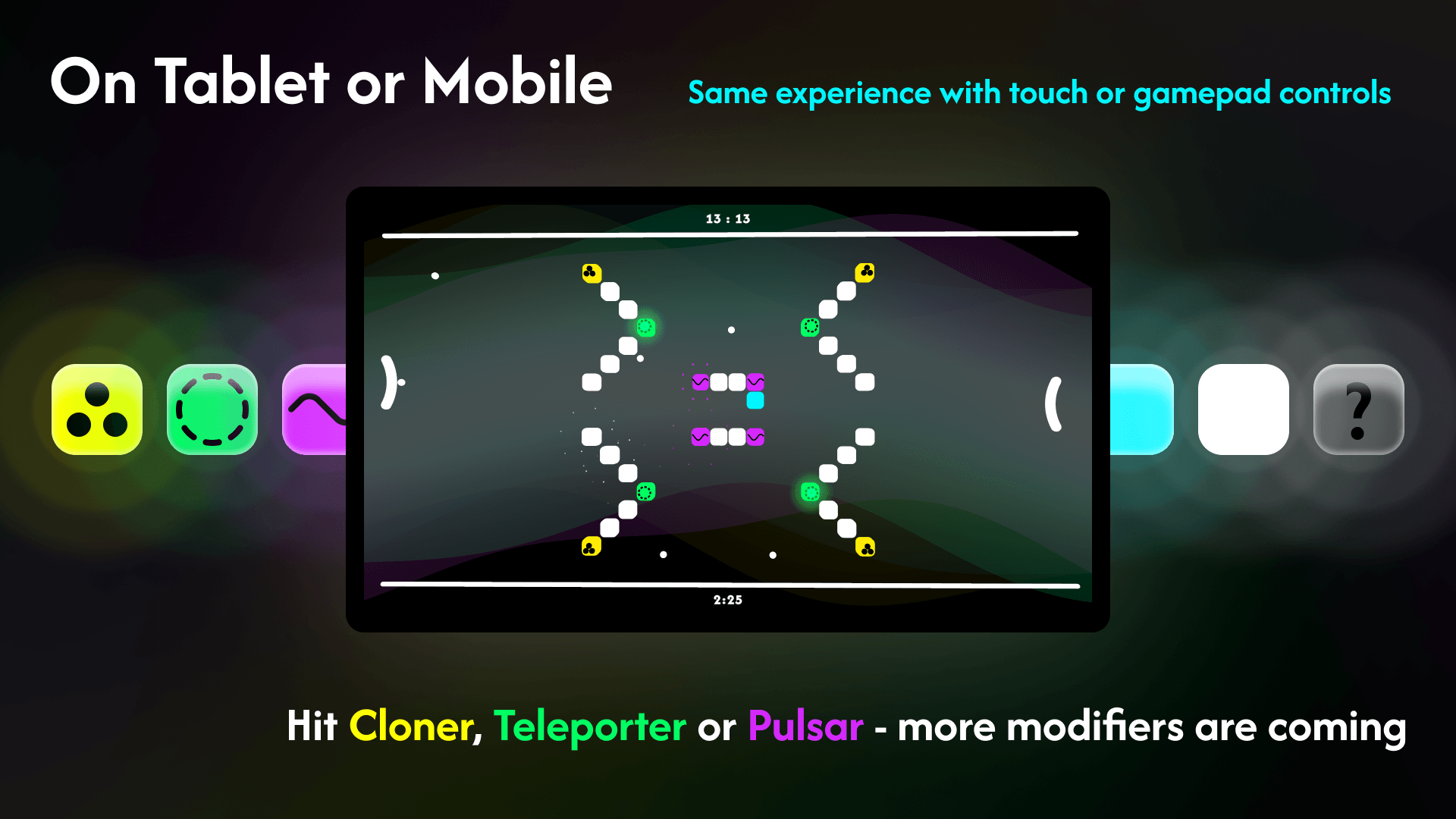
Cloner
Multiplies the ball — suddenly there are more to track.
Teleporter
Swallows the ball and spits it out at another Teleporter on the field. You never know where.
Pulsar
The hit sets your paddle shaking sideways — this one's not easy.
Made for couch battles
One screen. Two rivals
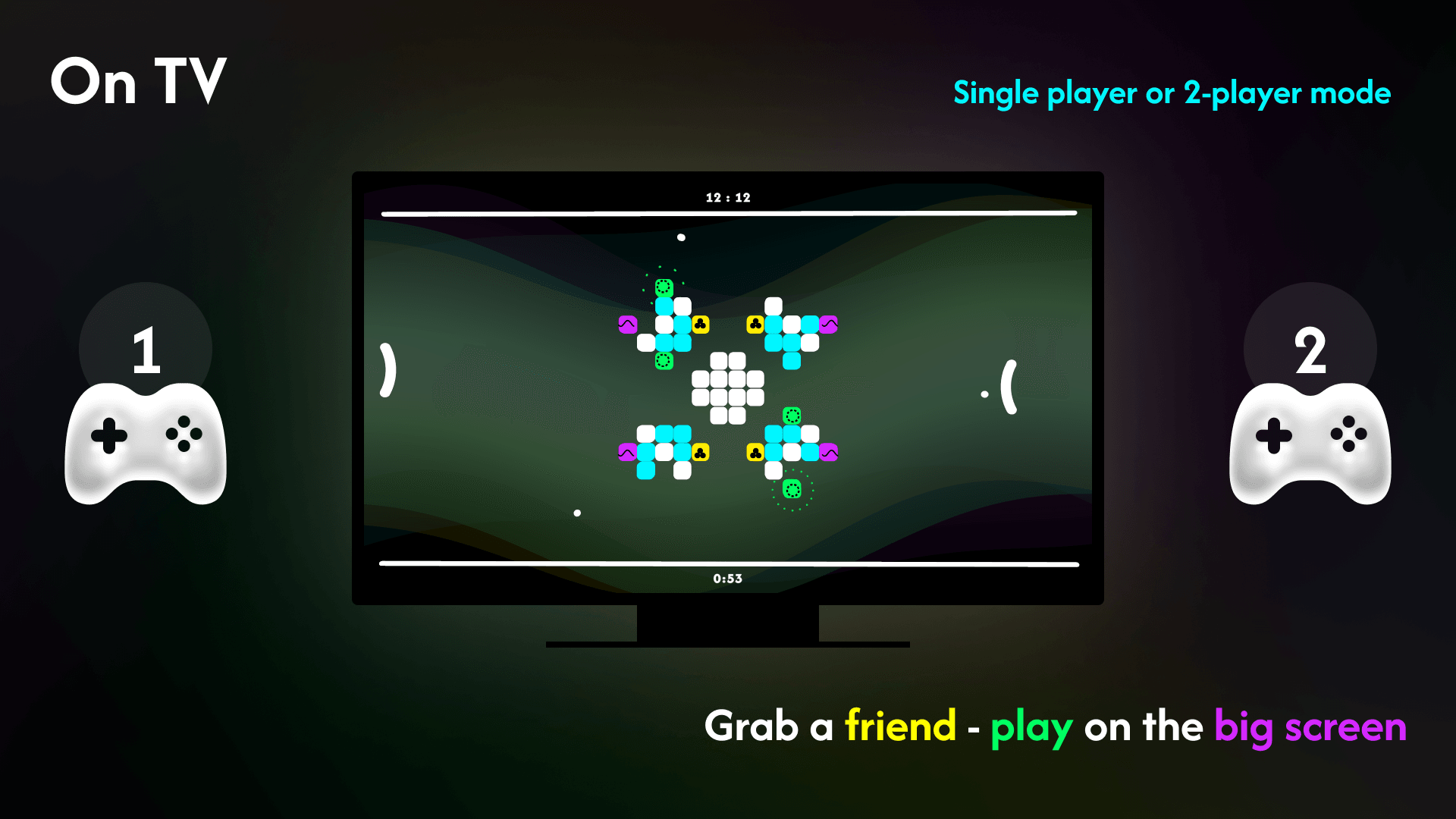
Take it on solo against the AI — 3 difficulties — or bring a friend and play two on one screen.
Player 1 — Left side
Attack from the left
Use the up/down buttons on your remote to move your paddle and angle your shots into the brick cluster.
TV Remote / D-pad / Touch
Player 2 — Right side
Strike from the right
Same controls, opposite side. Predict where the ball will go and position your paddle for maximum impact.
TV Remote / D-pad / Touch
In-game
Built for the big screen
The interface is built for a controller and for touch alike. Smooth gameplay — even on older Android TV hardware.
FAQ
Everything you need to know
How many players can play?
Solo against the AI, or two players on one screen in a shared arena.
Do I need two controllers?
On TV, yes for two players — two gamepads or remotes, or a remote and a keyboard; solo against the AI needs just one. On a tablet you can play solo with touch alone. For two players on one tablet we recommend gamepads: some tablets do not reliably hold the second finger.
How do you score points?
Two ways: by smashing a breakable brick, or by sending the ball past your opponent's paddle. When time runs out, the higher score wins.
How long is a match?
Short and timed. Built-in levels run 2 minutes; for pingrounds the creator picks a length from 1 to 10 minutes.
Can I build my own level?
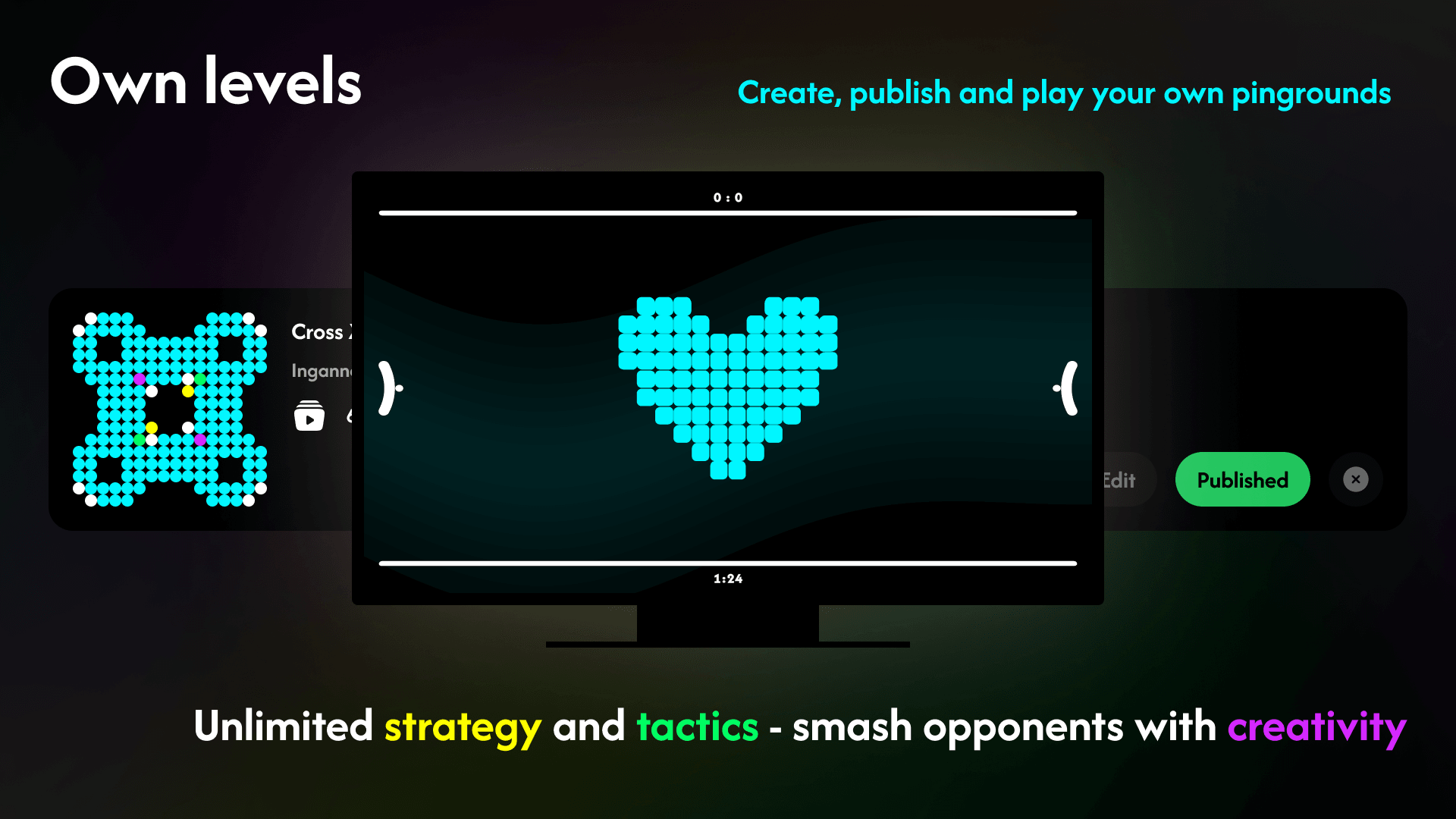
Yes. In the web editor you place bricks on a grid, set the timer and publish your pinground to the community hub — others then play and like it right in the game. Publishing takes a slot; slots are a one-time purchase and they stack.
How tough is the AI?
You pick from 3 difficulties: from simply tracking the ball, through predicting its trajectory, to strategically positioning the paddle.
How do the controls work?
On TV, the D-pad up and down moves your paddle, OK launches the ball and Back pauses the match. On a tablet you drag your paddle with a finger and tap to launch — and if you connect a gamepad, it works just like on TV.
Is my progress and stats saved?
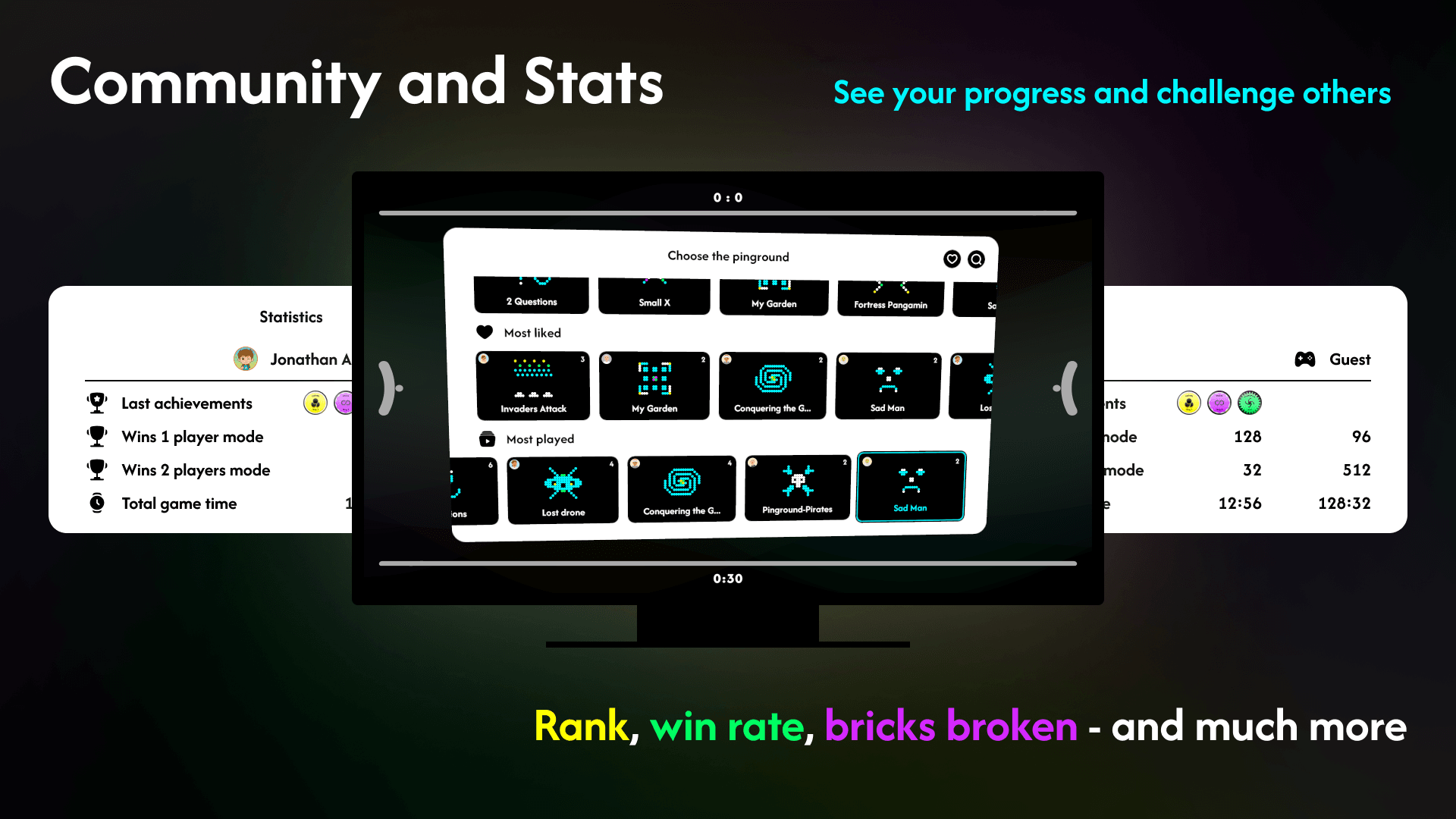
With Google sign-in, yes — profile, match history and achievements. Without signing in you play as a guest. Achievements count only single-player matches against the AI on the built-in levels — Emptiness, Chill, Massive and Chaos. Community pingrounds and two-player games don't count towards them, so everyone is measured the same way.
What can I play it on?
Android TV, Google TV and Android tablets — one package for every device. Requires Android 7.1 or newer.
Is the game free?
Yes — downloading and playing is free, community pingrounds included. You only pay for slots to build your own pingrounds in the editor: one-time, no subscription.
Ready to play?
Free on the Google Play Store. Works on Android TV, Google TV and tablets.